Routing logic
Routing works out of the box. Every turn, the platform reads each agent's Trigger and picks the best match for the message - so an assistant with sharp, non-overlapping Triggers needs nothing on this page.
Routing logic is where you tighten that when you need to. It holds three separate controls:
| Section | What it decides |
|---|---|
| Agent Selection | Whether the routing model runs at all (voice calls today) |
| Routing targets | Which agents are eligible to be routed to |
| Rules | Plain-English overrides that pin a topic to a specific agent |
Find it at AI agents → Configuration → Routing logic.
How routing works
Routing answers exactly one question each turn: which agent handles this message? It can hand the turn to an agent, keep it with the agent already handling the conversation, or choose no agent at all.
The primary signal is each agent's Trigger - the natural-language description at the top of an agent's profile saying when that agent should take over.
Example Trigger: "When the user wants to book or schedule a test ride, request a quote, ask for a callback, share contact details, or says they are interested in buying a bike soon."
Rules are the override layer on top. When a rule applies it beats the trigger-based pick; when none applies, Triggers decide.
Routing chooses an agent - it doesn't do anything else. Tools belong to agents: once routing picks an agent, that agent decides which of its tools to call, from its own instructions. A rule that says "call the
getOrderStatusworkflow" has nothing to act on - routing has no way to invoke a tool. Put that instruction in the agent, and use the rule only to make sure the message reaches it.
Start trigger = the agent's Trigger
The field labelled Trigger on an agent's profile is sometimes called its Start trigger. Same thing. Don't confuse it with Routing logic:
| Start trigger (per agent) | Routing logic (Configuration) | |
|---|---|---|
| Where | Top of each agent's profile | This page |
| What it does | The primary signal, read every turn | Optional overrides pinning a topic to an agent |
| Required? | Yes - every agent needs one | No |
Write sharp Triggers first. Reach for rules once you've seen collisions in real conversations.
Agent Selection
Applies to voice calls. Routing costs a model call, and on a phone call that call is audible as delay. This section decides how often it happens.
| Mode | What it does |
|---|---|
| Single Agent (fastest) | Skips the routing model entirely. Every turn goes to one agent |
| Auto-route on first turn only | Routes once at the start of the call, then stays with that agent |
| Auto-route every turn | Re-routes on every turn. The default |
Pick Single Agent and a Default picker appears, listing your Agents and Agentic flows. Leave it on Auto-detect (single agent) and the platform uses your only agent.
When to change it. One agent doing one job on voice gains latency for nothing - use Single Agent. An assistant whose calls open on one topic and stay there fits first turn only. Keep every turn when a caller genuinely switches topics mid-call.
Agentic flows can't be a default on realtime voice. Realtime (audio-native) voice has no orchestrator turn to run a flow in, so only agents are offered there. Pipeline-mode voice lists both. See Voice settings.
Routing targets
Rules and Triggers decide when a handoff happens. Routing targets decides whether the target is eligible at all - an allowlist underneath both. An agent must be a valid target here and get picked, before anything is handed to it.
Two independent groups:
Single agents
| Mode | What it means |
|---|---|
| All (default) | Every live agent is a valid target. New ones are included automatically as they go live |
| Specific | Pick from a searchable list, each shown with its Trigger. At least one is required, or Save is blocked |
There's no Off here - single agents are also how your assistant answers at all.
Multi agents
| Mode | What it means |
|---|---|
| Off (default) | Never routed to |
| All | Every multi agent is a valid target, including new ones |
| Specific | Pick from a searchable list. At least one is required |
Multi agents start Off, so a new multi agent is unreachable from your single agents until you turn this on. If a handoff you expected never fires, check here first.
Rules
Rules are numbered, capped at 30, and each is between 20 and 500 characters. Click Add rule, and write it in plain English - one or two short sentences beats a paragraph.
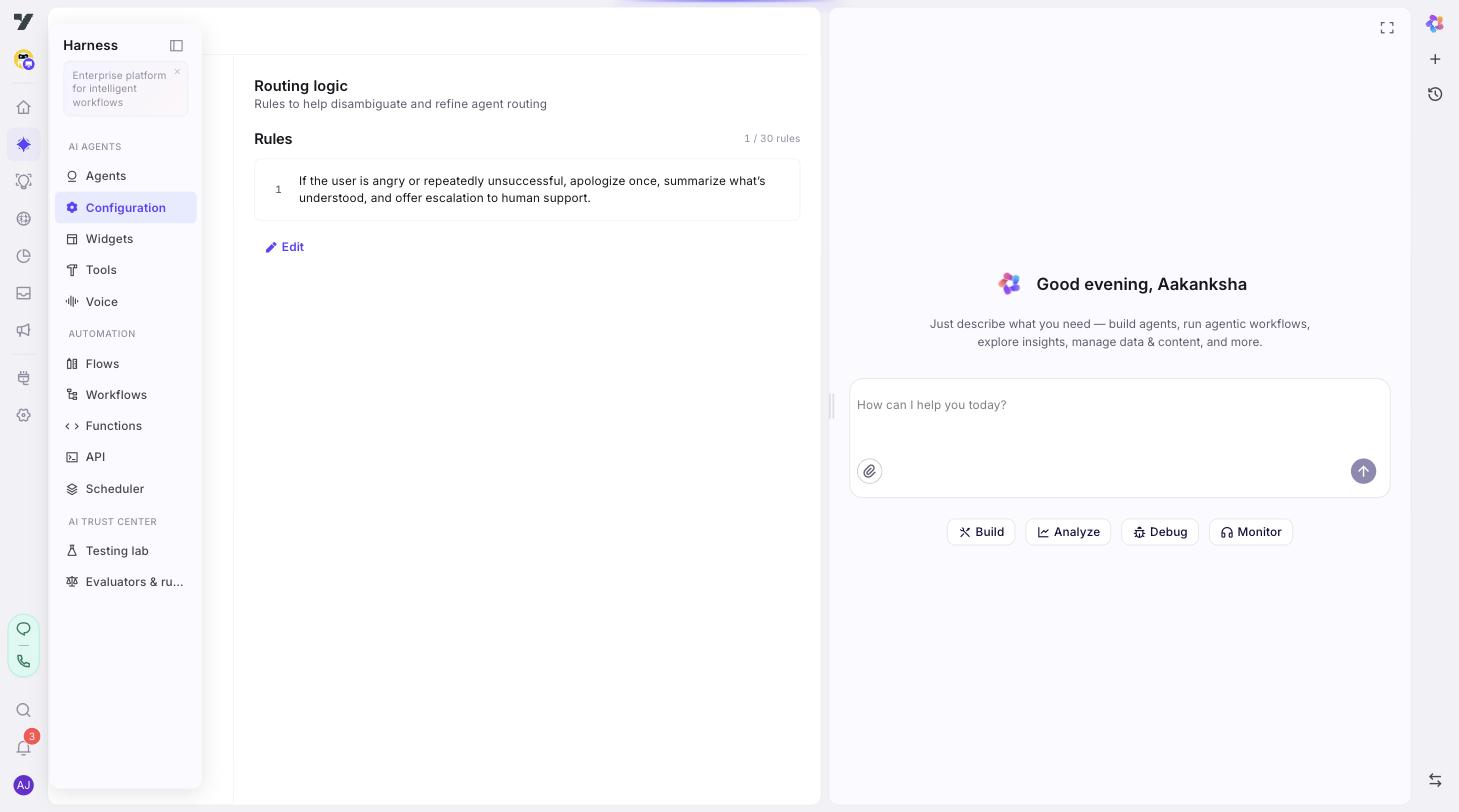
Reach for a rule when:
- Two agents have overlapping Triggers and routing keeps picking the wrong one.
- A topic is sensitive enough that you don't want it answered directly - regulated content, escalations.
- You need a compound condition a Trigger can't express ("if region = X and topic = Y").
Write rules that are testable
A rule is a disambiguation instruction, so a good one does three things: names what the message looks like, names the agent it should reach, and can be proven by a single test conversation.
Rules that work
- "If the user mentions billing, invoices, or refunds, hand off to billing-agent. Do not answer billing questions yourself."
- "If the user asks where their order is, route to order-status-agent."
- "If the user asks to speak to a person, route to support-agent." (the escalation tool then lives on that agent)
Rules that don't
- "Be helpful." Not a routing decision at all - that's a conversation rule.
- "Route correctly." Names neither the message nor an agent.
- "If billing, route." Names both, but ambiguously - "billing" could mean many things, and it doesn't say where.
- "Route to order-agent and call
getOrderStatusbefore replying." The first half works; the second half is ignored. Tool choice belongs to the agent.
Add the "do not" clause. "Route billing to billing-agent" is good; "Route billing to billing-agent. Do not answer billing yourself." is better - the second sentence is what stops the message being answered directly instead of routed.
Name the agent by its slug
Each rule is a plain-text box. There's no @-mention picker here, so name the agent by its slug - the identifier on its profile, not necessarily its display name.
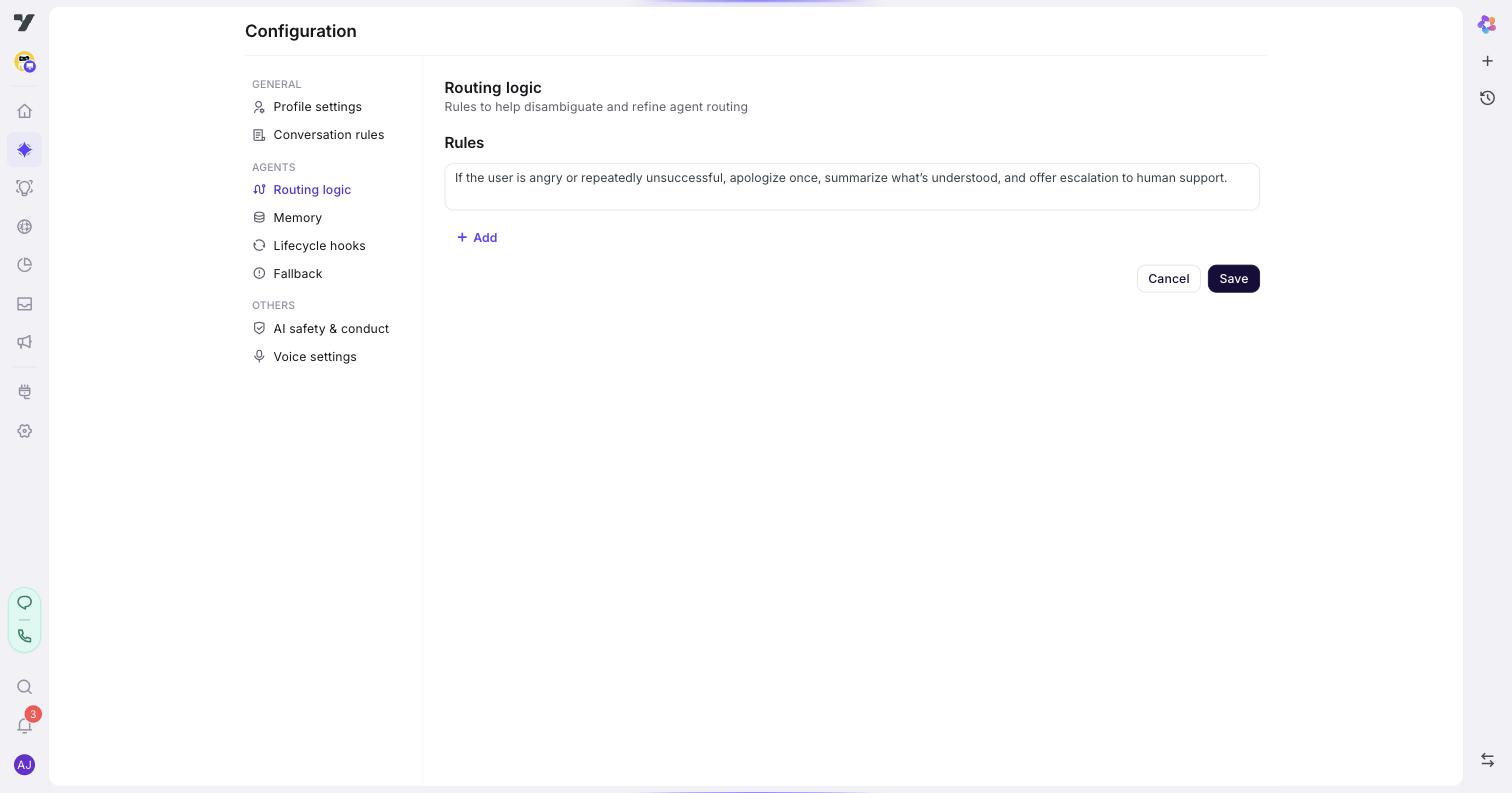
Because it's plain text, it doesn't track renames. Rename billing-agent to billing-team and the rule keeps saying billing-agent, silently matching nothing. After renaming an agent, search your rules for the old slug and update them by hand.
Order doesn't matter. Rules are evaluated as a constraint set, not top to bottom.
Routing logic vs conversation rules
Easy to mix up:
| You want to… | Use |
|---|---|
| Force a topic to always reach a specific agent | Routing logic |
| Set tone, style, always-do / never-do guidelines | Conversation rules |
Routing logic constrains where a message goes; conversation rules shape how the reply reads. When they collide, routing logic wins.
Test after you edit
Click Save, then open any agent's Playground (the play ▶ icon in the title bar). For each rule: send a prompt that should fire it, and confirm the right agent takes over or the right tool runs.
If the wrong thing happens, it's usually one of these:
- The rule is too vague. "If the user is upset" - what counts? Use concrete signals: "if the user says 'frustrated', 'angry', or 'unacceptable'".
- Two rules contradict. Overlapping triggers pointing at different agents produce inconsistent routing. Re-read the list whenever you add one.
- A rule fights its own Trigger. If a rule sends refunds to
support-agentbutbilling-agent's Trigger claims refunds, routing will feel unpredictable. Keep the two consistent. - The target isn't eligible. Check Routing targets - especially for multi agents, which are off by default.
Keep a list of test prompts alongside your rules. When you reword one later, you'll have a regression check ready.
Next: Global tools - attach a tool to every agent at once.