Selective publish
When you take a bot live you can publish everything, or use selective publish to ship only what you changed — so a small edit doesn't republish the whole bot.
What you can pick
The Publish changes to Live dialog groups your unpublished changes into separate pickers. Each shows an (N with changes) count, and a picker appears only when you have changes of that kind:
| Picker | Publishes |
|---|---|
| Multi agent | Multi-agent flows |
| Single agent | Conversational agents |
| Workflows | Scheduler workflows |
| Flows | Classic flows |
Leave a picker empty to publish none of that kind; you need at least one selection overall before you can publish.
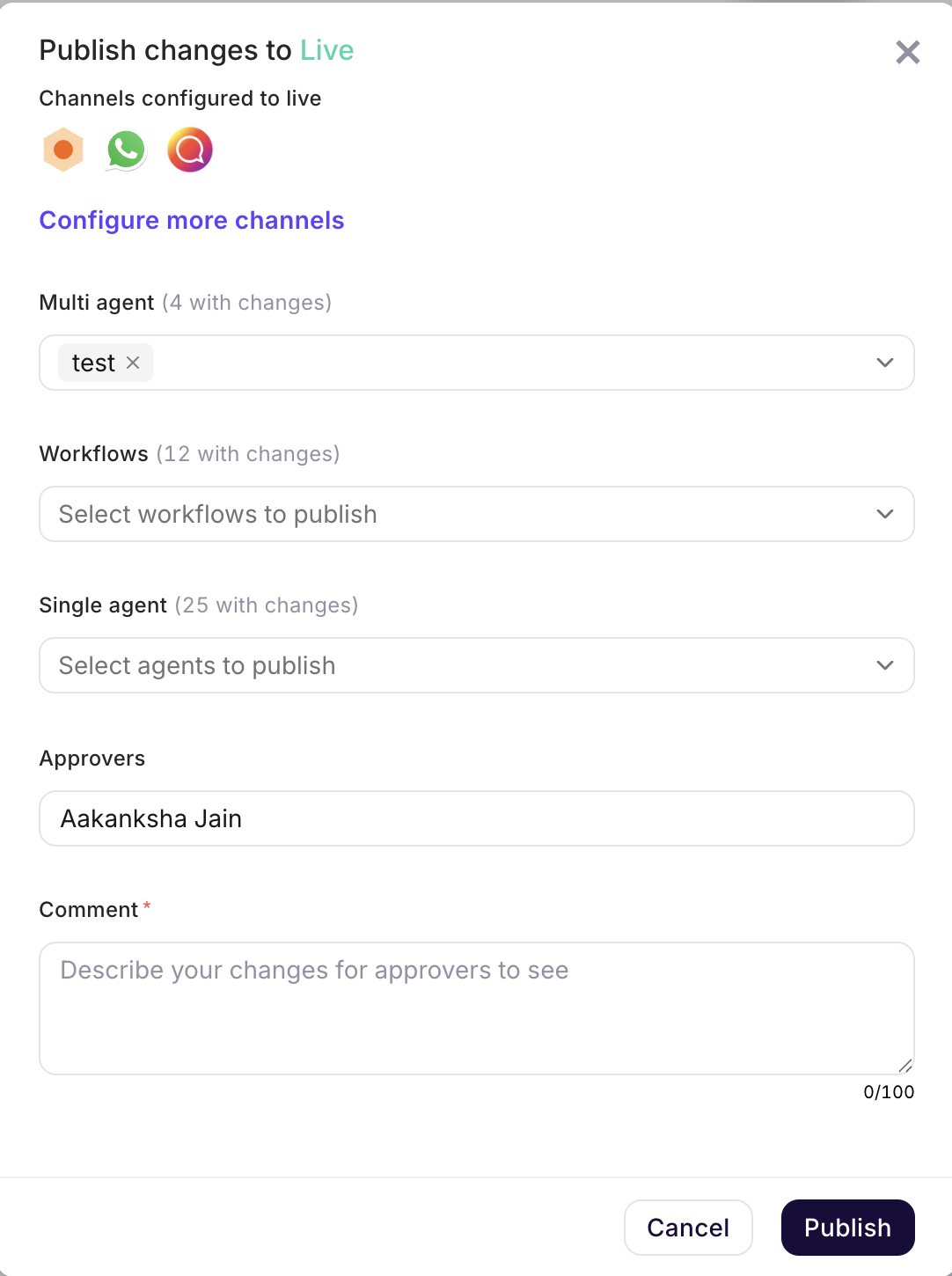
Depending on your bot's setup, the dialog may also ask you to choose approvers and add a comment describing the changes before publishing.
note
The Single agent and Multi agent pickers appear only when your bot has those capabilities enabled.