Nexus platform overview
Nexus is Yellow.ai's flagship platform for building and running AI agents, at nexus.yellow.ai. It takes an agent through its whole lifecycle - build it, give it knowledge and data, take it live across every channel, handle real customer conversations, and measure and improve it - all in one place.
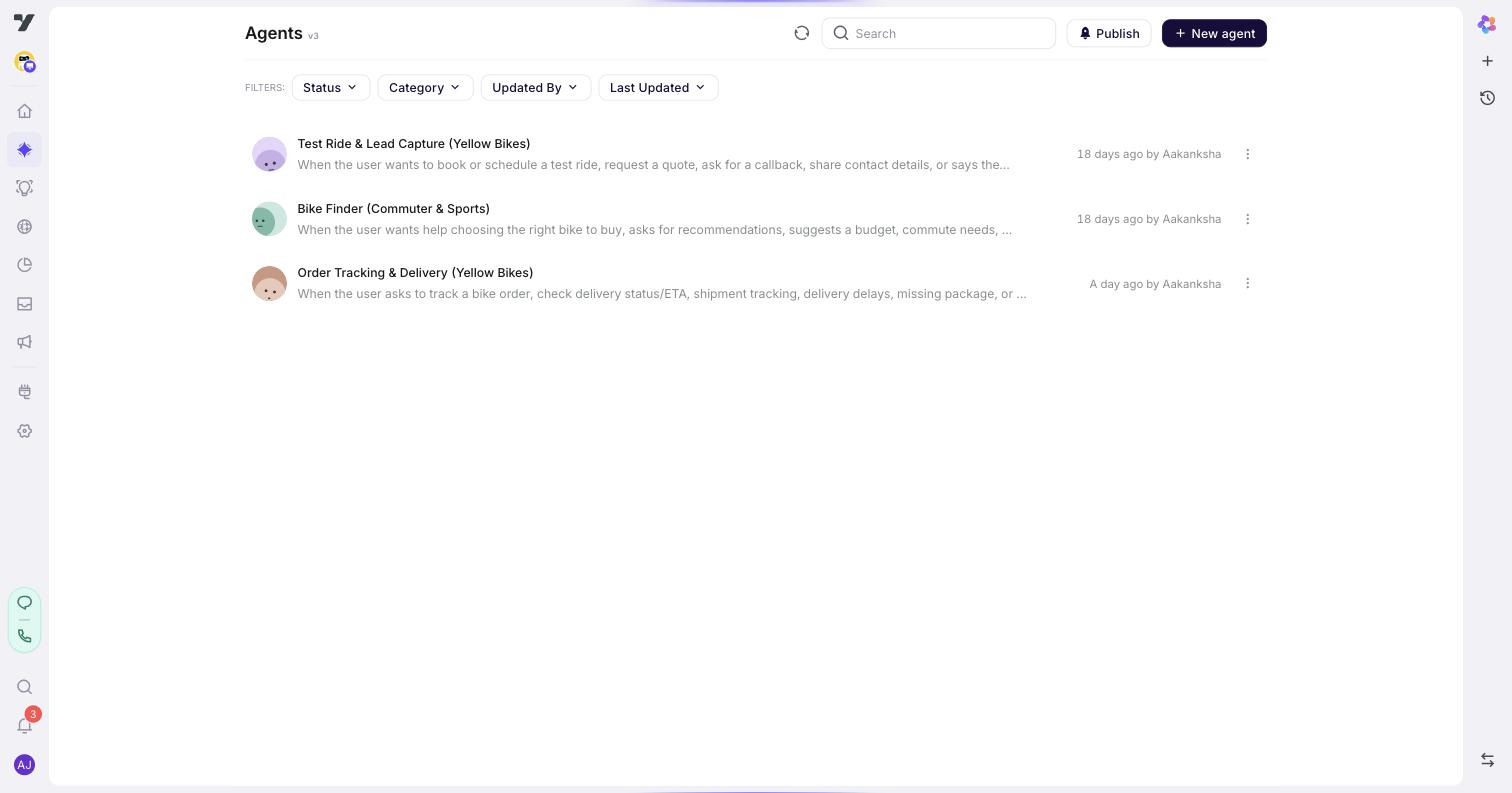
What's in Nexus
Nexus is organised into products, mirroring the studio's left rail:
- Harness - build AI agents: Configuration, agents, tools, widgets, voice, and testing.
- Atlas - the knowledge your agents answer from.
- Fabric - the customer data (profiles and segments) your agents read and write.
- Inbox - live customer service: human agents, tickets, and queues alongside your AI.
- Analytics - conversation insights, dashboards, and quality trends.
- Engage - outbound and inbound campaigns across channels.
- Channels & Deploy - take your agent live on web, WhatsApp, voice, and more.
- Integrations - connect CRMs, ITSM, payments, live chat, and other systems.
Two things run across all of it: the Nexus AI - the in-app copilot that builds and edits by asking - and the AI Trust Centre - evaluation and safety for everything you ship.
Two ways in
New to Nexus? Start with Get started - sign up, create a project, and build a working agent end to end in about 15 minutes. You'll have something real running before any of the concepts below matter.
Already build AI agents? Go straight to Harness - the map of the whole build surface in one page. From there, Agents, Tools and Configuration are the three things worth reading next, and What the engine does for you covers what the platform enforces so you don't build it yourself.
New to the vocabulary either way? Keep the Glossary open.
Ask instead of read
This entire guide is also available as a Docs MCP Server - connect it to Claude, ChatGPT, Cursor, or any MCP client and ask your Yellow.ai questions directly, with answers cited from these pages.