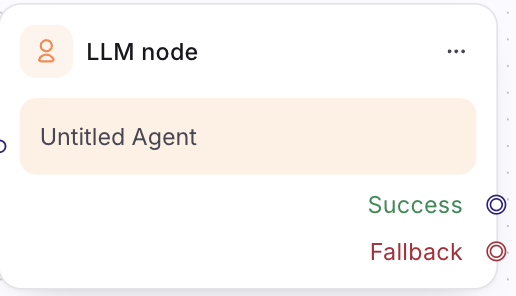
The LLM node
An LLM node makes a single, well-scoped call to a language model from inside a multi agent flow and hands the result to the node that comes next. Unlike the Agent node — which holds a multi-turn conversation with the user — the LLM node does not talk to the user and does not loop. It takes an input, calls the model once, and returns a value.
Reach for it for a focused transformation in an otherwise deterministic flow: summarise a ticket, classify intent, extract fields from free text, or rewrite a message.
LLM node vs. Agent node
| Use the LLM node when… | Use the Agent node when… |
|---|---|
| You need one model call to produce a value | You need a back-and-forth with the user |
| The step is a transformation — summarise / classify / extract / rewrite | The step is a conversation with its own exits |
| The result feeds straight into the next node | The agent decides for itself when the job is done |
Configure the node
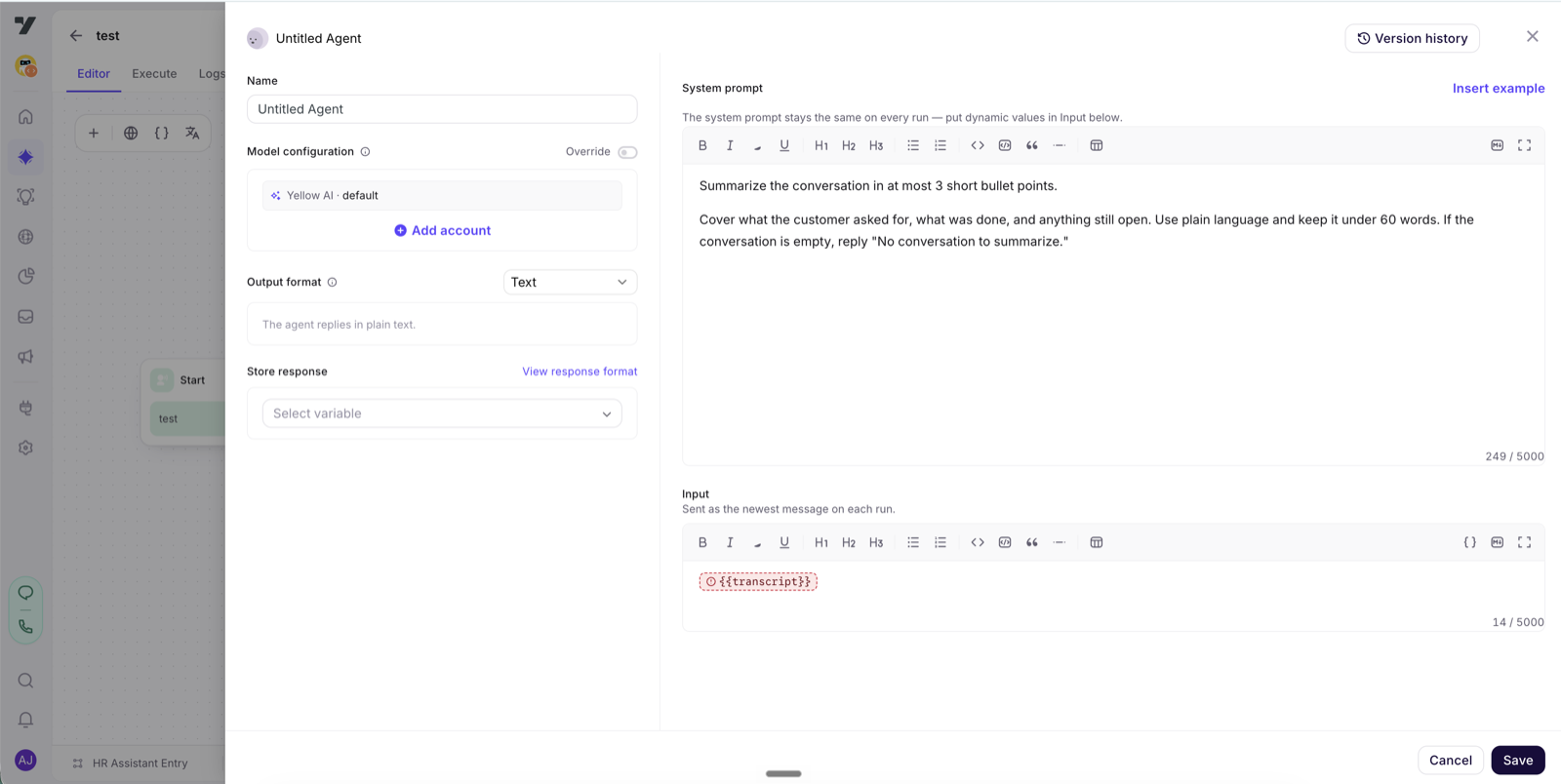
System prompt — a static instruction that tells the model what to do. It stays the same on every run.
Input — the content the model acts on for this call. Type your text and drop in variables as {{variables.x}} mention chips; they resolve at runtime. The Input lives on the node itself, so the same underlying agent can be reused across more than one node.
Output format — choose how the model must reply:
- Text — a plain string.
- JSON — a structured object. Supply a JSON Schema and the model is constrained to match it. (JSON output is available where structured output is enabled for your account.)
Using the result
The node stores its result as a small envelope that the next node can read and branch on:
| Field | What it holds |
|---|---|
status | Whether the call succeeded |
text | The model's reply (Text output) |
json | The parsed object (JSON output) |
error | Set when the call failed |
Wire the following node to this output — for example, branch on status, or template text / json into a later message, API call, or condition.