Build an HR assistant
This guide builds Northwind's HR assistant end to end, from an empty project to something published and working. We built it ourselves on the platform, so every screenshot here is a real screen rather than a mockup. You won't gather requirements or scope it — the scope is fixed up front on purpose, so the time goes where it matters: designing and building it well.
The goals and instructions on the build pages are worked examples, written to the design this guide arrives at. They're the shape to copy, not a transcript of the reference project — a few nodes here are deliberately arranged better than the original was. Treat them as a starting point and expect to tune the wording against your own systems.
What we are building
One HR assistant for the fictional employer Northwind, behind a single front door that proves who is asking and offers only the services that employee is entitled to. Behind it sit three journeys:
| Journey | Shape | What it does |
|---|---|---|
| Policy Q&A | Single agent + Knowledge Base | Answers HR-policy questions from the company handbook, and refuses to answer anything it cannot ground there. |
| HR-letter request | Multi-agent flow | Issues an employment, salary, or visa letter, after proving identity and self-vs-manager access. |
| Health-checkup booking | Multi-agent flow | Books an annual check-up, validating each detail and gating on real availability. |
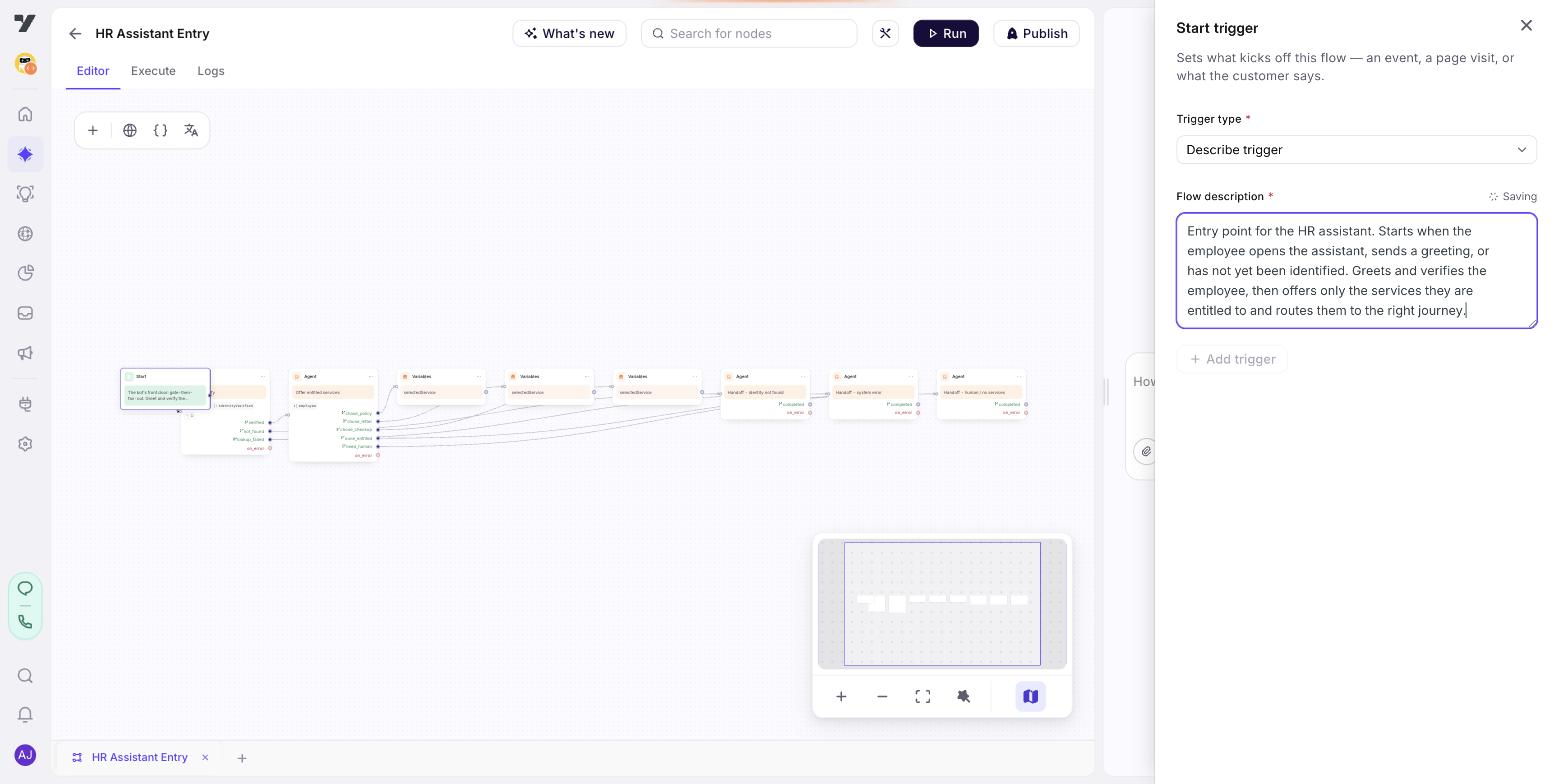
Three habits show up in every one of these, and they are why HR is such a good teacher: prove who is asking before you show anything, keep a system failure separate from a business "no", and never let one employee see another's data. Pick them up here and they carry to anything internal.
Before you start
Four things need to exist, or the build stalls partway:
| An employee record you can read | Identity, region, entitlements, and eligibility flags. Everything gates on this |
| A handbook to answer from | Policy Q&A is only as good as what's indexed, and it refuses to answer anything it can't ground |
| Somewhere to hand off to | An Inbox queue or group. Several paths end at a person by design |
| A published-to-live approver | Publishing is a governed step, and it locks the project until approved |
You don't need the real HR systems yet. Every workflow in this guide starts as a dummy-safe workflow returning realistic sample data, so the whole thing runs end to end today and the real systems swap in later without touching an agent.
How this guide goes
- Design. Turn the fixed scope into a plan: the shared Configuration, the tools and inputs each journey needs, and the shape each one deserves.
- Build. Node by node on a real project, with the actual screens and the things that tripped us up.
- Prove it. The HR paths that fail quietly — where nothing errors and the wrong thing happens.
- What it costs, and where it degrades. What each turn pays for, and the three places this design gets less accurate as it grows.
- Templates. Copy-ready agent and flow bodies for the common HR journeys.
Start here
Design it
Shared Configuration, the tools and inputs each journey needs, and the shape each one deserves.
Build it
Build order, then a page per flow — every node's goal, prompt, tools, exits and variables.
Prove it
The HR paths that break quietly, a regression set built from them, and what must be true before publishing.
Cost and limits
What each turn pays for, where this design degrades as it grows, and what to watch once it's live.
Templates
Copy-ready agent and flow bodies for the common HR journeys, as flip-through cards.
Next: Design it.