Monitor chat, email trends and teams
In the Monitor section you can track the productivity of your entire support team. This section consists of three tabs that allow you to monitor progress in different areas:
- Chat trends: Provides insights into live chats and their trends.
- Email trends: Offers analysis and trends related to email tickets.
- Team: Allows you to monitor and evaluate the performance of your support team.
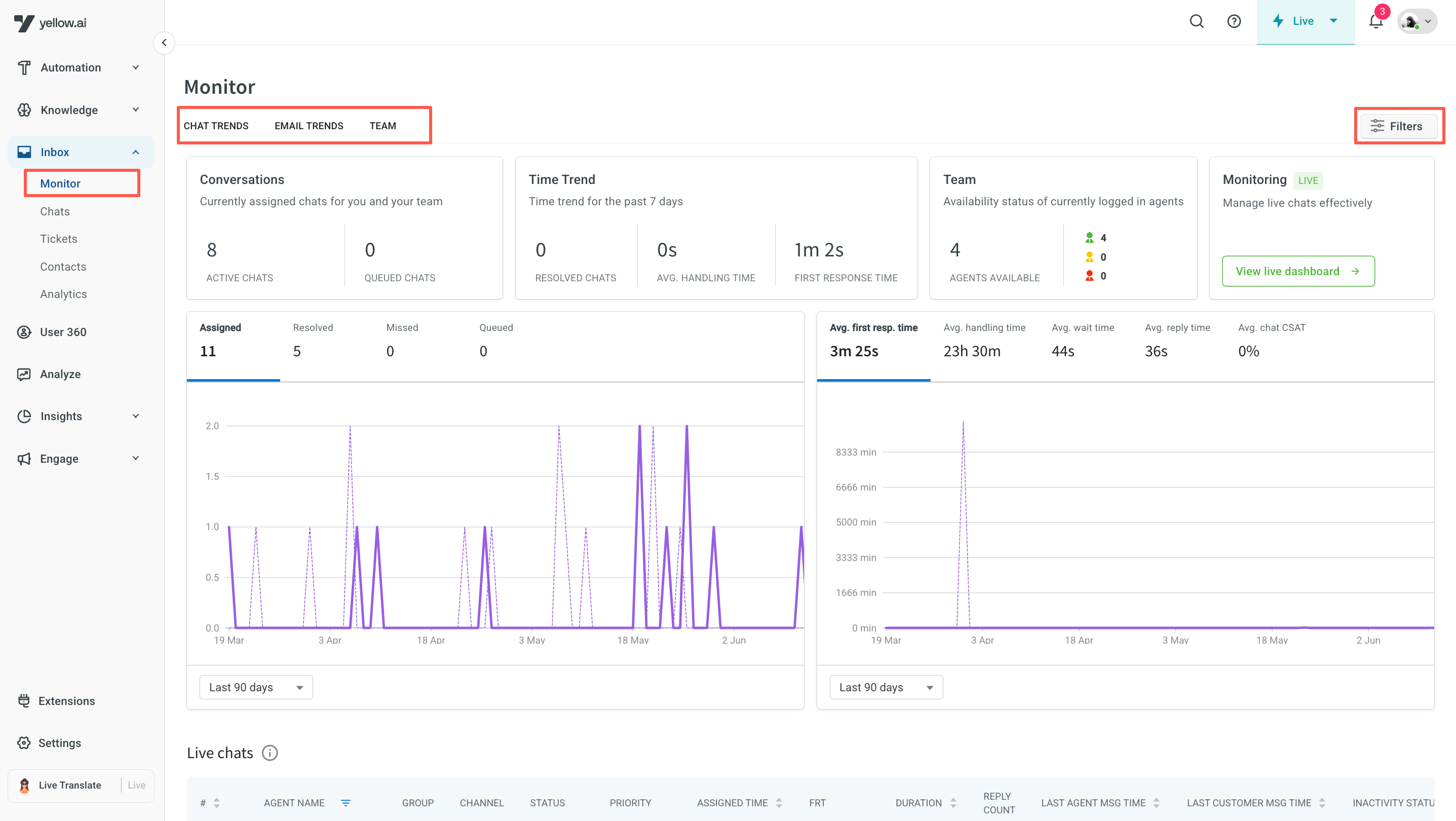
- All values displayed in the Monitor section are updated automatically every 60 seconds. To view real-time values, refresh your browser.
- Live chats and email tickets in the Inbox are retained for a maximum of 6 months. After this period, they are archived. While the data will no longer be accessible on the platform (active store), it will remain available on the servers (cold store) until the contract expires.
- All values shown in Inbox reports are based on the AI agent’s configured timezone.
- Inbox Admins have access to all the features and data.
- Supervisors have access to all the data that pertains to their group and it's agents.
1. Monitor live chat activities
The chat trends tab provides valuable insights into live chat activity and performance metrics, enabling admins/supervisors to monitor trends and optimize chat support operations effectively.
See the full Chat trends page for filters, widgets, in-depth analysis, the live monitor dashboard, and real-time active chats.
2. Monitor email ticket activities
Admins can effectively monitor the handling of email tickets by utilizing the features available in the email trends tab. This tab is specifically designed to accommodate the asynchronous nature of email communication, where conversations can span over several days before reaching a resolution.
See the full Email trends page for filters, widgets, and in-depth trend analysis.
3. Monitor team activities
The Teams tab provides a consolidated view of agents and groups in one place, with real-time data.
See the full Team activity page for filters, agent data, and group data.