Widget Builder
The Widget Builder lets you design custom interactive UI — forms, pickers, multi-step wizards — and drop them straight into your bot's conversations. When the user fills the widget out, the result flows back into the conversation as the next agent input.
If you've ever wanted "a real form, not just quick replies," widgets are how you do it.
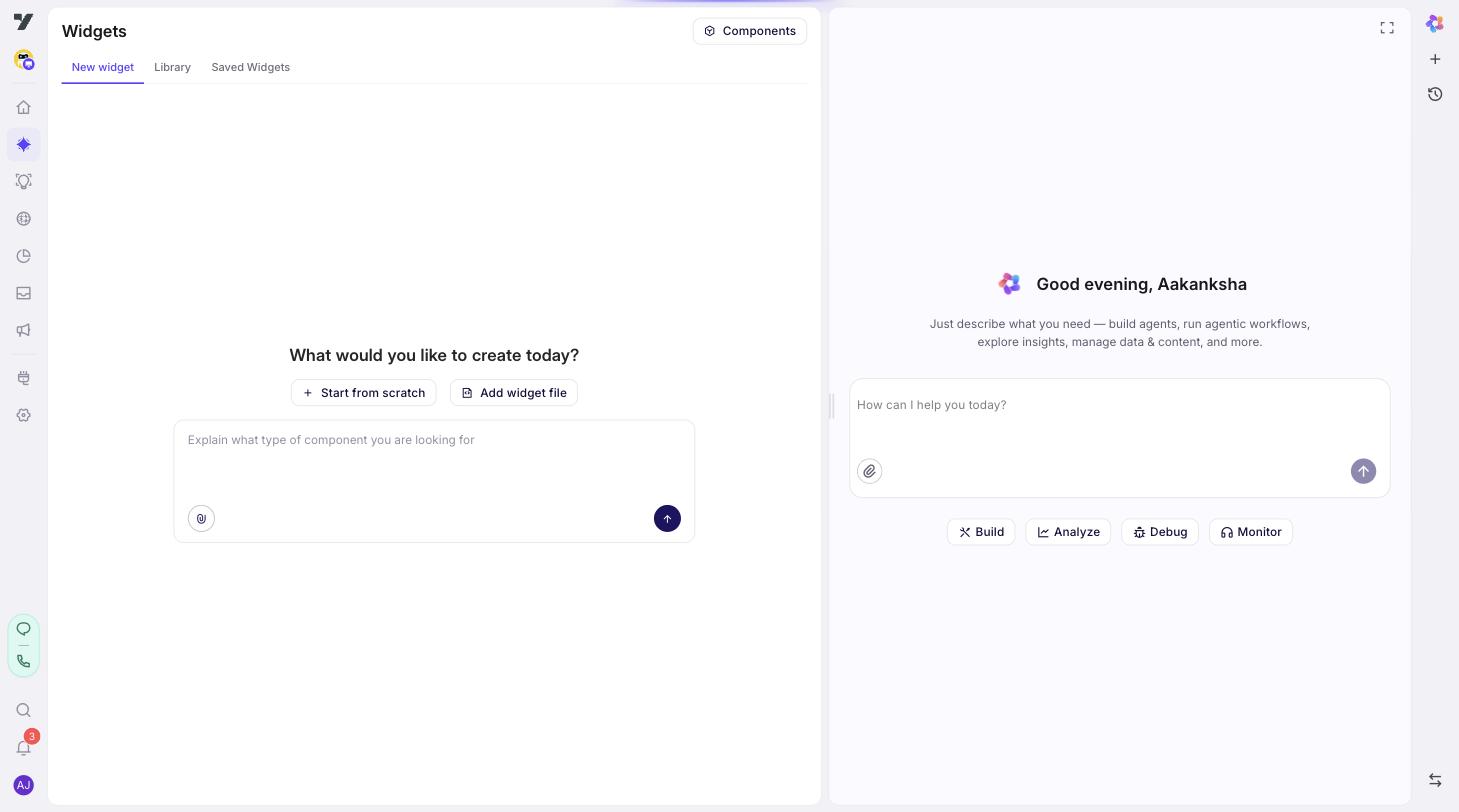
You'll find Widget Builder under AI Agent → Widget Builder.
What you can build
A widget is a small, self-contained piece of UI:
- A booking form with date/time pickers and conditional fields.
- A product selector with images and live filtering.
- A custom payment summary with editable line items.
- A multi-step onboarding wizard that remembers progress between steps.
Anything you'd build as a custom screen in a normal app, you can build as a widget here.
What's in a widget
Every widget has four parts. You'll see them as separate panes inside the editor:
| Part | What it is |
|---|---|
| Code | The widget's UI, written in JSX. This is what the user actually sees. |
| Schema | The inputs the widget expects when an agent shows it (e.g. "user's name", "list of products"). |
| Default state | The values the widget starts with on first render. |
| Output | The shape of data the widget returns when the user submits. The agent reads this to continue the conversation. |
You don't need to fill all four for a simple widget — defaults work fine. For anything dynamic, you'll touch all four.
Widget vs rich message vs flow — when to use which
This is the most common question. Quick decision guide:
| You need… | Use |
|---|---|
| Quick replies, a carousel, a basic single-field input | Rich message node in a flow |
| Custom UI with multiple fields, conditional logic, or its own state | Widget |
| Branching logic with no UI of its own | Flow or agent |
Reach for a widget when the experience genuinely needs custom UI. For everything simpler, rich messages and flows are easier to maintain.
Where to find widgets in the studio
| Page | Purpose |
|---|---|
| Widget Builder start screen | New widget, pick from library, or generate with AI. |
| Saved widgets | Every widget saved on this bot. |
| Editor | Edit a specific widget. |
| Components Library | Reusable building blocks (buttons, inputs, layouts) you can drop into your widget. |
What's next
- Create a widget — step-by-step from blank editor to saved widget.
- Use widgets in agents — wire a saved widget into a flow and test it.
- Best Practices — schema, state, naming, performance.