Knowledge base overview
The Knowledge Base module has been enhanced to address common challenges and improve overall efficiency in managing and accessing content. Whether managing sitmaps/URLs, files, or syncing content from third-party platforms, the updated version provides improved control, smoother setup and management process.
Common challenges from the previous version such as syncing content, limited metadata options, and a complex publishing process have been addressed with a more intuitive interface and enhanced features.
You can now onboard content sources through guided steps, schedule automatic syncs, manage metadata in a dedicated interface, organize files using folders and subfolders, and track file status with ease. These enhancements are designed to help you build and maintain a well-organized, up-to-date Knowledge Base for your AI agent.
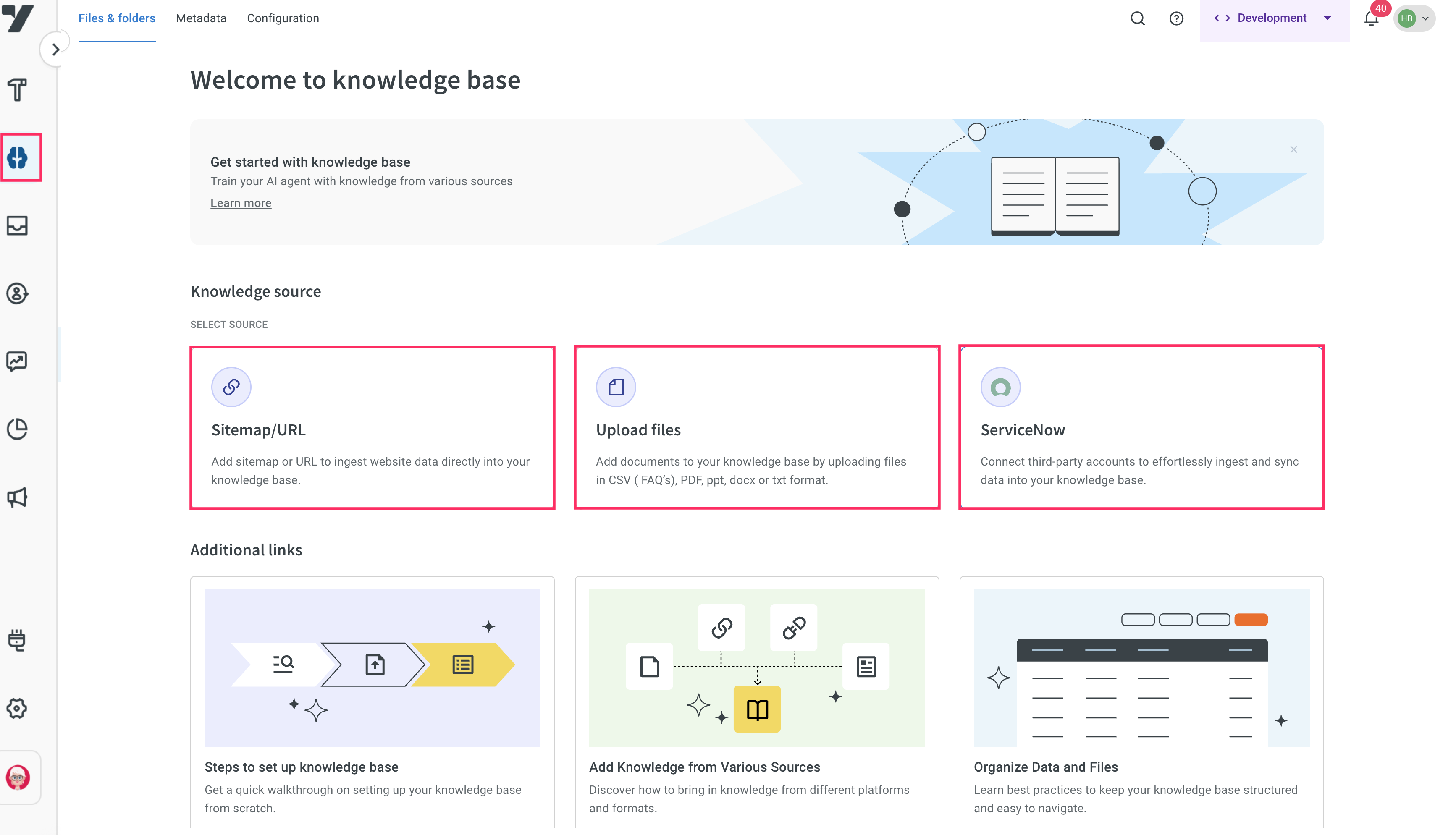
What’s new in the Knowledge Base module
Improved onboarding for data sources
You can now add content sources more easily through a guided onboarding process. When connecting a new data source, whether it is a website sitemap/URL, an uploaded file, or a third-party system like ServiceNow, you follow a step-by-step setup that simplifies configuration. This improved flow helps reduce setup errors and allows you to get started quickly.
Built-in scheduler for syncing content
You can now schedule automatic content syncs directly from the user interface. Set your preferred frequency such as hourly, daily, or weekly without the backend support. This ensures your AI agent always accesses the most up to date version of your content, which is especially helpful for sources that change frequently.
Smarter file management
You can now perform bulk actions on multiple files such as updating metadata or changing statuses (draft or published), and organizing the files into folders and Sub-folders.
Metadata management
Previously, metadata (formerly known as tags) had to be entered manually in file columns. Now, you can use a dedicated metadata interface to create, edit, and apply structured metadata fields across your Knowledge Base.
Metadata allows you to:
- Import system metadata automatically from third-party platforms like ServiceNow.
- Define and manage custom metadata fields such as Department, Document Type, or Region using various data types like strings, integers, picklists, multiselects, booleans, and date/time.
- Apply metadata consistently across multiple files, making it easier to organize content and improve search accuracy.
Enhanced publishing experience
The publishing process for Knowledge Base gives you more flexibility and reduces dependency on AI agent-level publishing. Only users with the roles of Approver or Super admin have permission to change a file’s status.
Previously, any changes made to Knowledge Base files such as adding new documents or updating content had to be published along with the entire bot in order to move from Sandbox to Staging and Production environments. This often led to confusion, delays in pushing updates, and unnecessary republishing of the bot even when the changes were only related to the Knowledge Base.
Now, you no longer need to publish the bot to update Knowledge Base content in different environments. The Knowledge Base has its own built-in status management system that allows you to control file availability directly within the module.
Each file includes below status setting:
- Published: The file is live and accessible to your AI agent across all environments including Production, Staging, and Sandbox.
- Draft: The file is only accessible in Staging and Sandbox, which is useful for reviewing or testing updates before making them available in Production.